AI App Guides
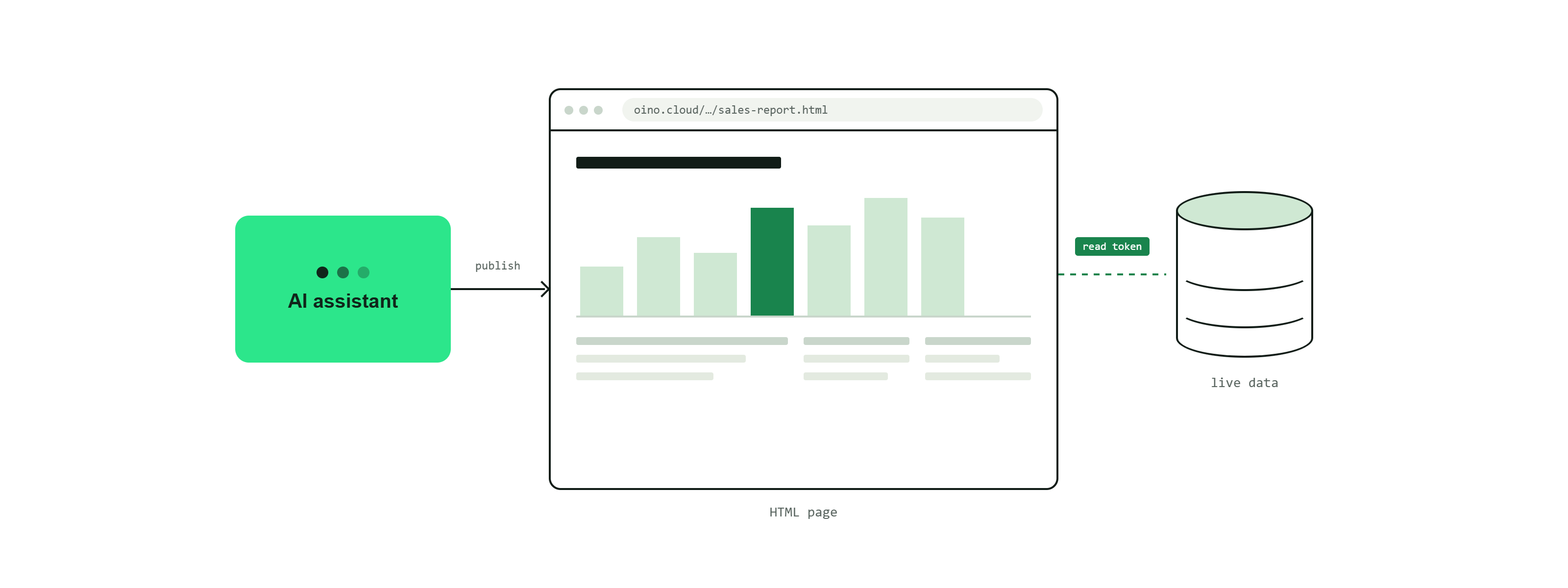
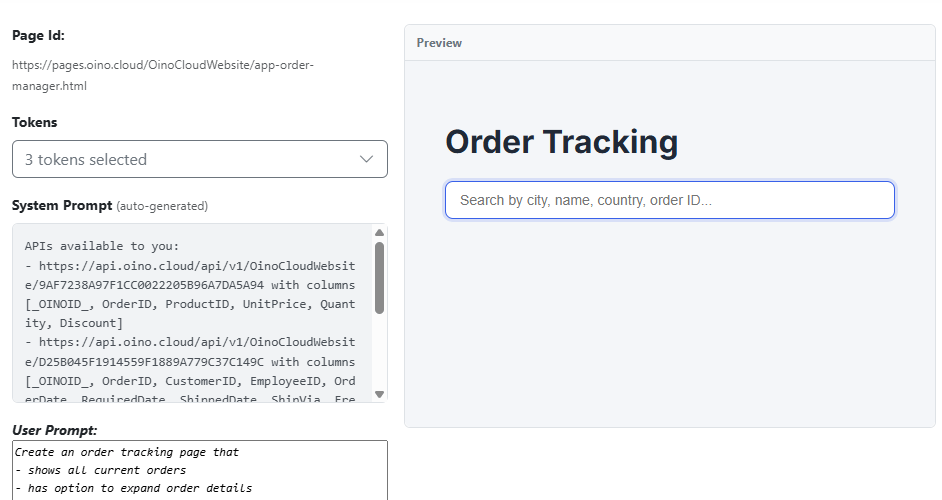
A page is a published HTML page hosted on OINO.cloud. Pages can be written by the AI through the MCP server or authored by you by hand. Each page gets its own URL and pulls live data from your database through tokens — the same way the HTMX apps in the other guides do.
Where pages come from
- AI generated: ask the assistant to build a page and it publishes the HTML for you. It can read a page back, edit it, and republish a new release.
- User generated: write the HTML yourself and publish it. You keep full control of the markup, styling and data bindings.
Each page is published under an id you choose (4-100 letters and hyphens, starting and ending with a letter, e.g. pricing or order-status). A page declares the tokens it uses when it is published. Publishing the same id again updates the page in place as a new release.
Public or private
Whether a page is public depends entirely on the tokens it uses:
- A page that uses only public tokens — tokens with no auth roles — is itself public and is served at
https://pages.oino.cloud/<customerid>/<pageid>.html(always lowercase). Anyone with the URL can open it. - As soon as a page relies on a token that requires a role, that data is protected: visitors must sign in and be in the right role to see it. Such pages can only be accessed using an app login.
So a public landing page, a price list or a status board can be served straight from public tokens, while anything sensitive is gated simply by requiring a role on its token.
Note: don't rely on hiding fields in the page markup to keep data secret — anyone can request the underlying token directly. Protect sensitive data at the API and token level, exactly as described in the Security guide.