AI App Guides
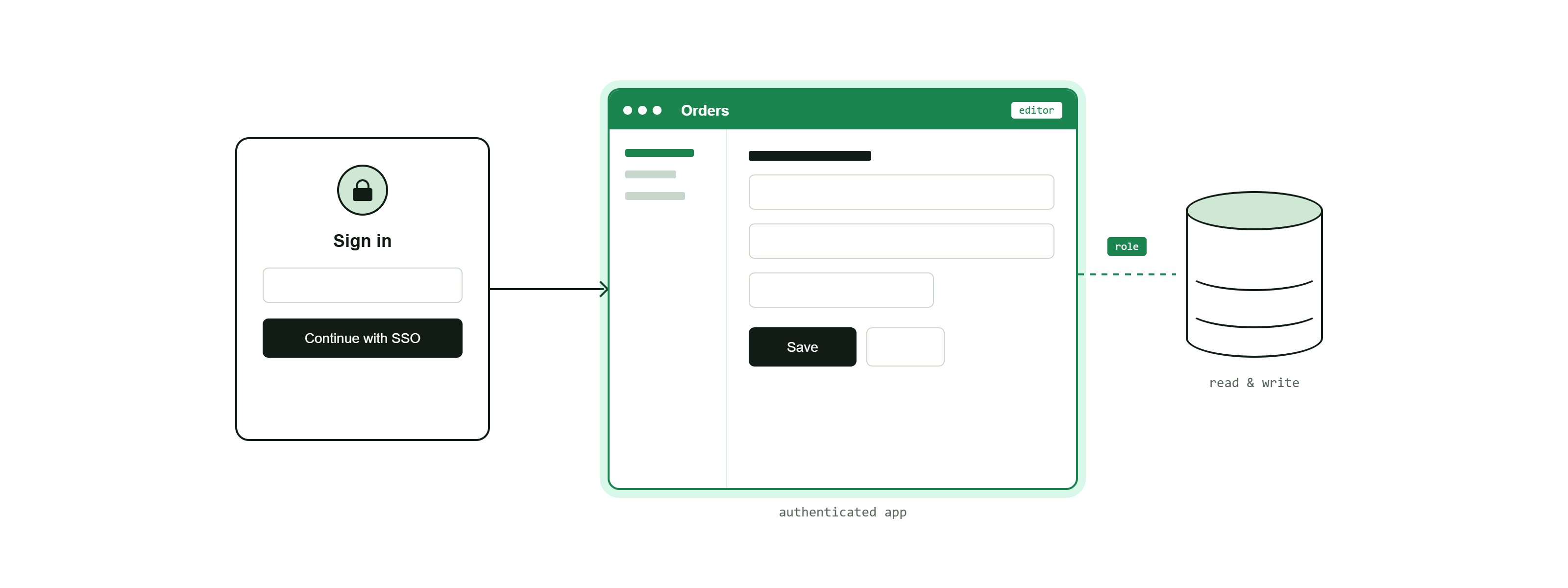
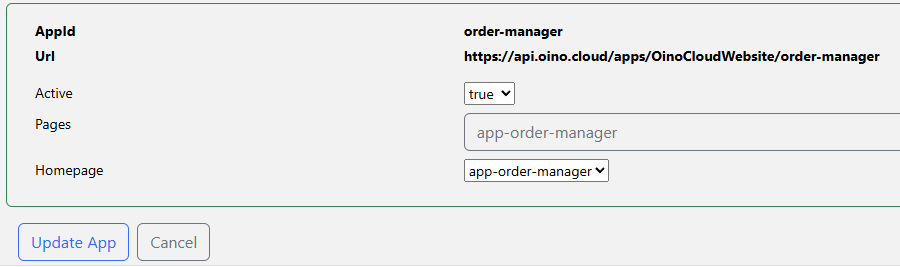
An app is a collection of pages published behind a shared login, with one page set as its home page. It turns a set of related pages into a single, authenticated product with its own URL.
What an app adds
- Authorisation: the app is gated by the union of the roles required by its pages' tokens. A user must sign in and be in one of those roles to enter. Sign-in is shared across all the pages in the app.
- A home page: one member page is the entry point users land on after logging in; the others are reached from there.
- One URL: the app is served on the same host as your database's data-API URLs, at
/apps/<customerId>/<appId>under an id you choose (4-100 letters and hyphens, like page ids).
Publishing an app
- Publish the pages the app is made of.
- Make sure the tokens behind the protected pages require the right roles — these become the app's login gate.
- Create the app: choose an app id, list its member pages, and pick the home page.
- Share the app URL. Users sign in once and, if they are in an accepted role, reach the home page and everything linked from it.
Republishing with the same app id updates it in place.
The full picture
The four pieces fit together into one clear structure: a MCP server is bound to a single database, its tables expose tokens, roles decide who may use each token, pages present the data, and an app gathers those pages behind one login with a home page. Keeping one app = one database = one MCP server keeps both your users and the AI working within a single, well-defined context.