AI App Guides
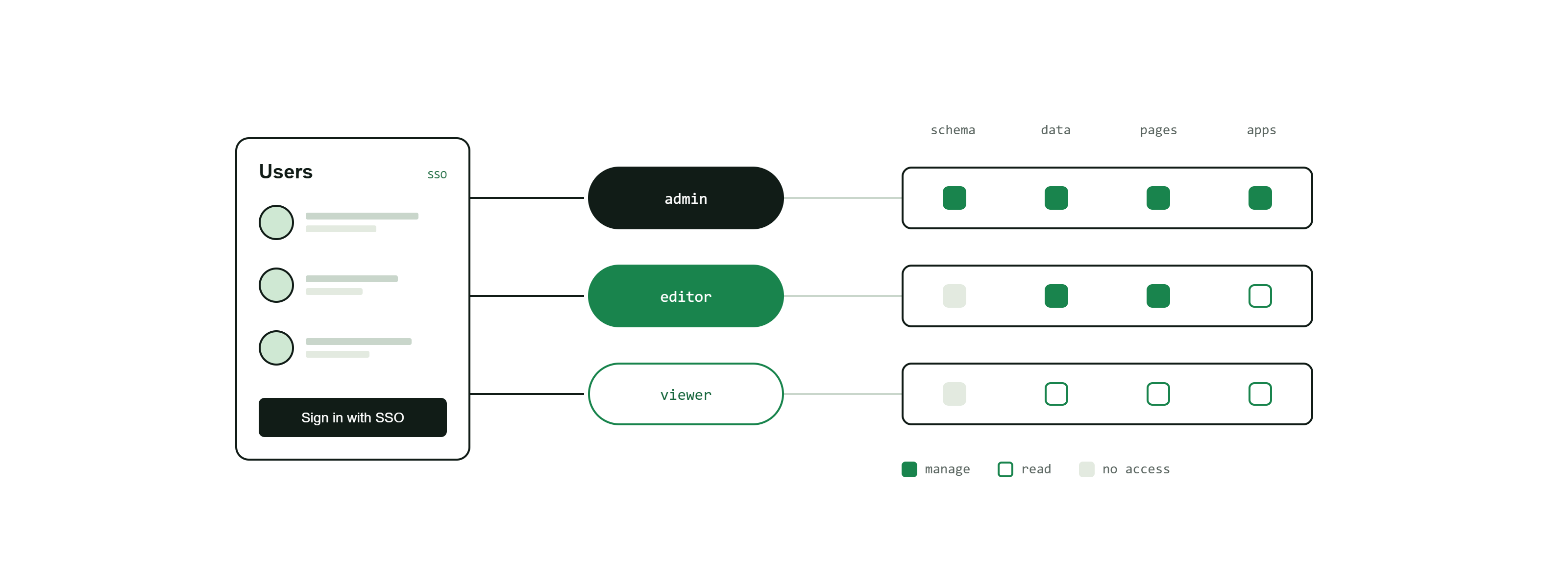
A role is a named group of users, identified by their email addresses. You use roles to authorise who can reach an app and who can use a token. Instead of granting access to individuals one by one, you put people into a role and grant the role.
What a role is
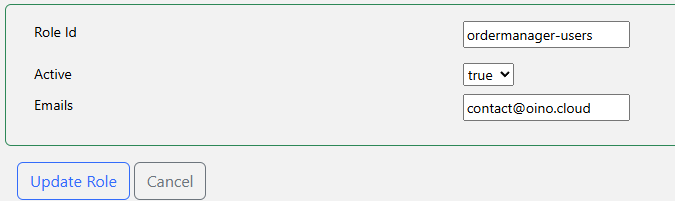
A role is an allow-list of the email addresses of the people who should have a particular level of access. When someone signs in, OINO.cloud matches their email (case-insensitively) against the roles and lets them through wherever one of their roles is required.
Roles are the link between who a user is and what they may touch:
- Tokens: a token can require one or more roles. Only a signed-in user whose identity is in one of those roles may read or write the data behind that token.
- Apps: an app's login is gated by the union of the roles required by its pages' tokens. Being in one of those roles is what lets a user open the app.
A role can be as broad as a whole team or as narrow as a single person — just list one email address.
Public vs. protected
Tokens start out public — they have no roles, so anyone with the URL can use them. The moment you attach a role to a token, it becomes protected: users must sign in and be in that role to use it. This one distinction is what makes a page public or private and what puts a login in front of an app.
Single sign-on (SSO)
How users sign in is one setting for your whole account, and the two methods are never combined:
- Without SSO: users sign in with OAuth (email-based login) and their roles come from the email allow-lists of the roles you create.
- With SSO: users sign in through your identity provider (IdP) and their roles are taken directly from the IdP's groups. Tokens then require the IdP group names, and roles created in OINO.cloud are not used.
Working with roles
- Create a role and give it a clear id (4-100 letters and hyphens, starting and ending with a letter, e.g.
editorsorfinance-team). With SSO, skip this and use your IdP group names instead. - Add the email addresses of the people that belong in it.
- Require the role on the tokens that guard sensitive data.
- Users in the role can now sign in to the apps and use the tokens that require it.
Tip: keep roles small and purpose-built — one per level of access — rather than reusing a broad role everywhere. This mirrors the token guidance in the Security guide and keeps access easy to reason about.